
OVERVIEW
This article details instructions on how to delete a report in Lighthouse
INSTRUCTIONS
1. Log in to your Lighthouse instance.
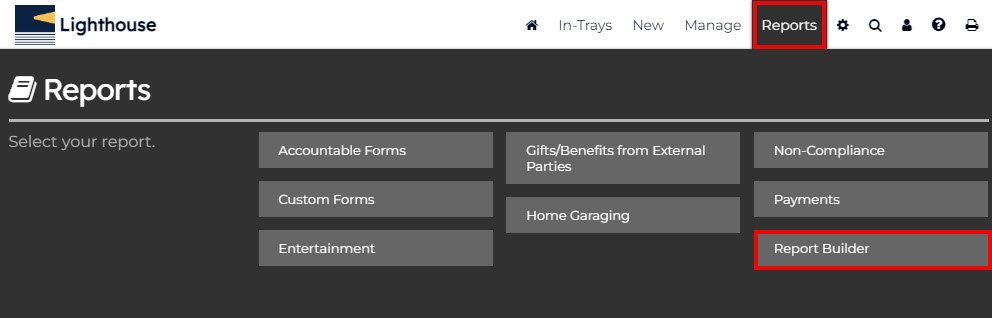
2. In the top menu bar, select ‘Reports’.
3. Then select ‘Report Builder’.
4. You may need check the box “Show all available predefined reports” if your report isn’t pinned.
5. Search for the report in the search bar.

6. After locating the report you want to delete, click on the report name.

7. In the top right corner, select “Actions”, and from the drop down, click on “Delete”.
*The report will also be deleted for all users with whom the report is shared.
8. Click "Ok"
If you have any issues navigating How to Delete a Report, feel free to contact us at helpdesk@lighthousegrc.software