
OVERVIEW
This article provides instructions on ways Lighthouse System Administrators can manage the dashboard layout.
INSTRUCTIONS
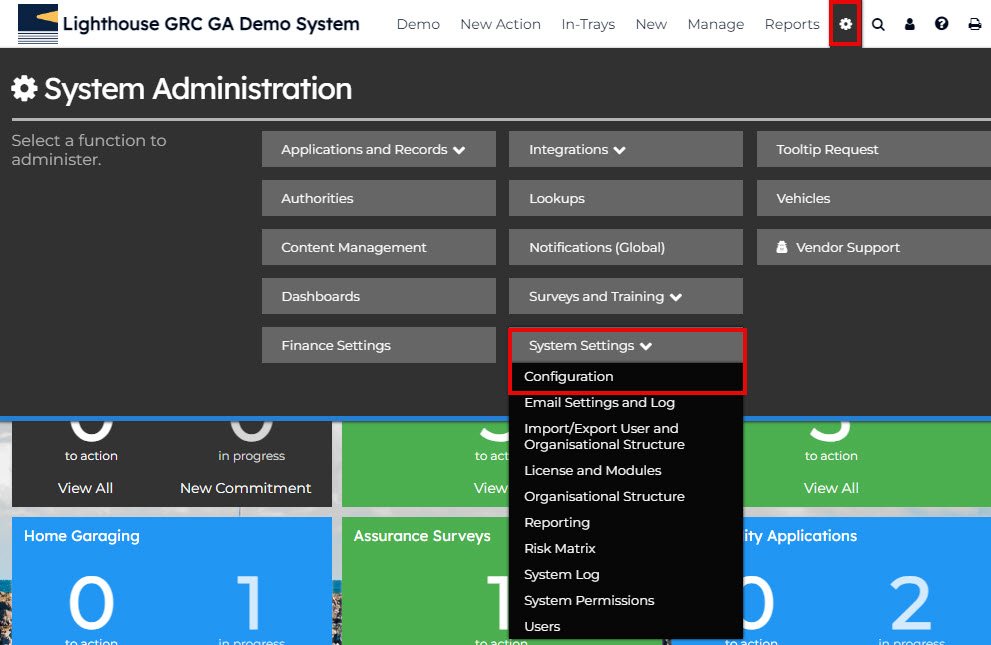
1. Log in to your Lighthouse instance.
2. Select the settings cog.
3. Select ‘System Settings’.
4. Select ‘Configuration’.
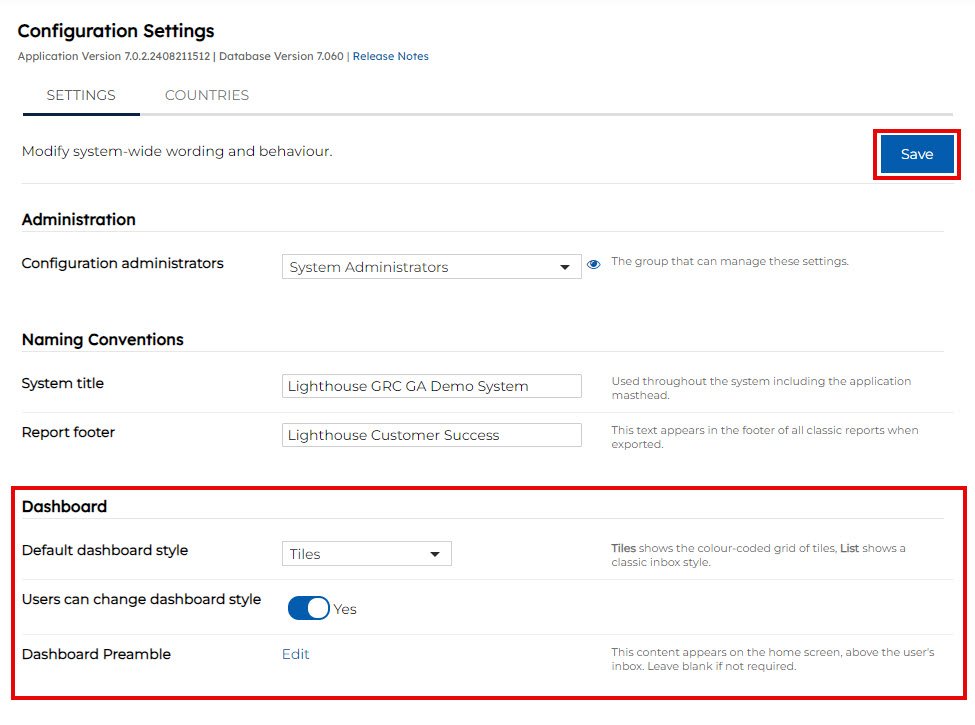
5. Scroll down to ‘Dashboard’ and update the following settings as required:
- Default dashboard style = the default dashboard style that all users across the organisation will see when first logging in (examples below).
- Users can change dashboard style = select ‘Yes’ if you would like to allow users to have the option to switch between the ’tile view’ and ‘list view’ on their dashboard.
- You can change what the dashboard preamble by clicking on the edit button. This will update on the welcome screen.
7. Press the blue ‘Save’ button to save your changes.
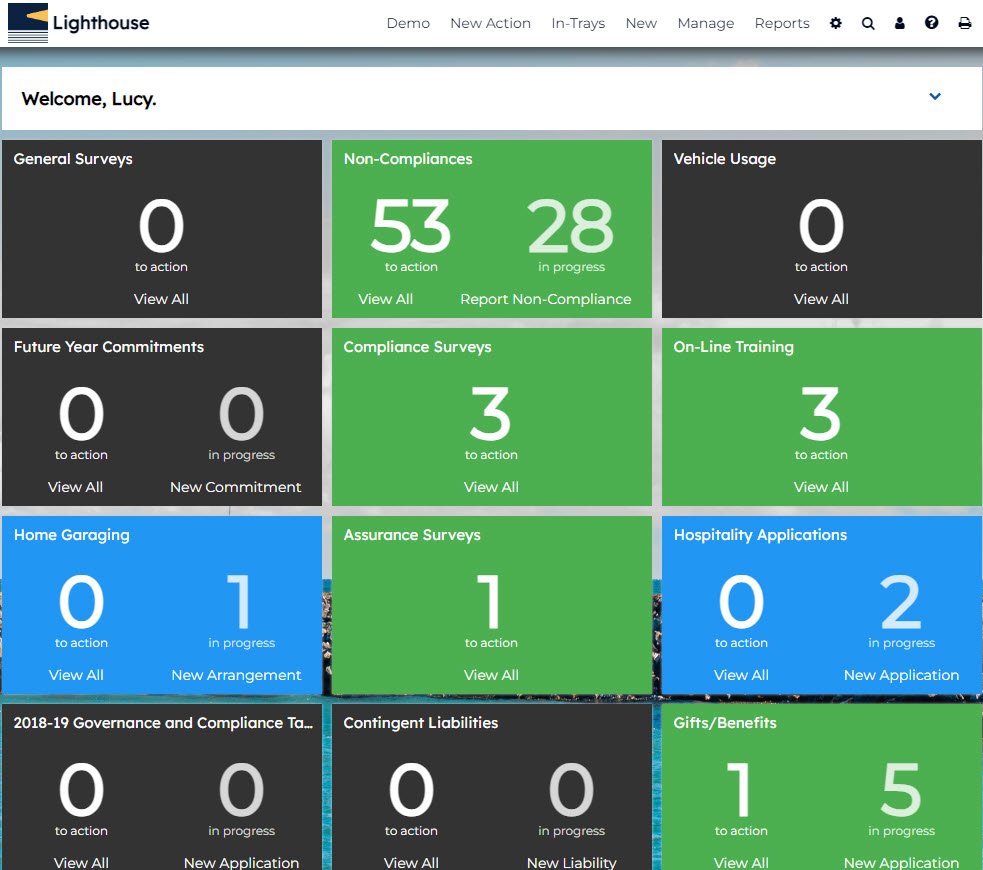
TILE VIEW
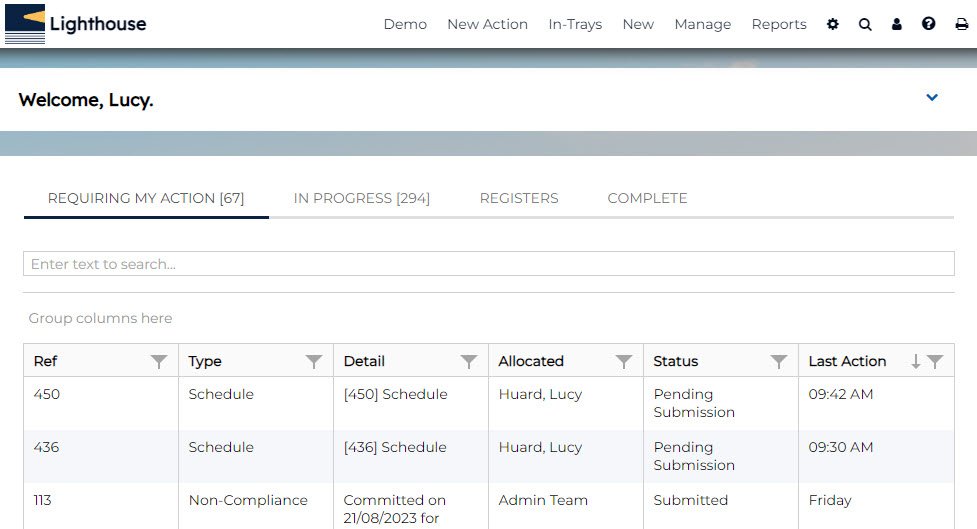
LIST VIEW